<!--==============================
All Js File
============================== -->
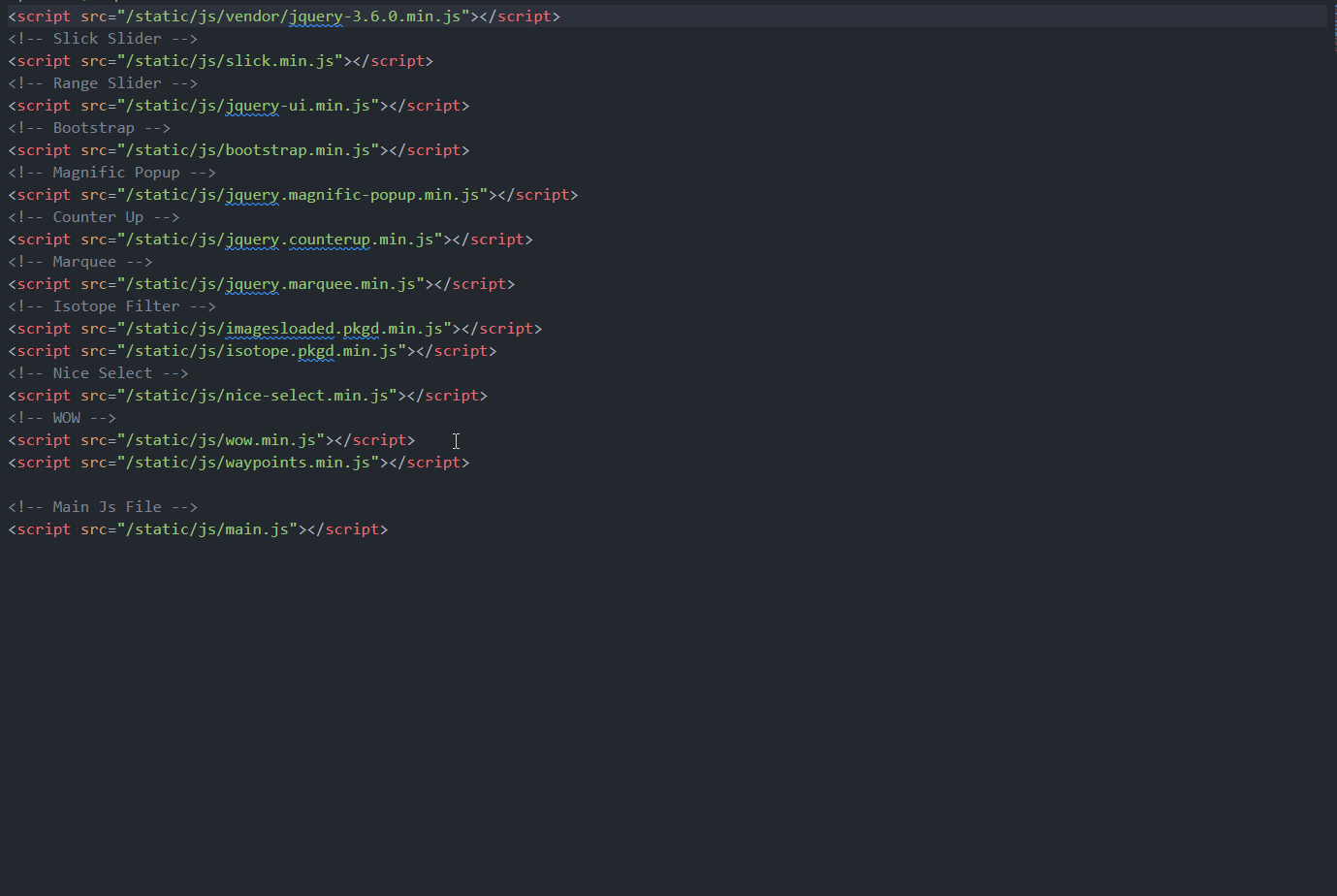
<!-- Jquery -->
<script src="/static/js/vendor/jquery-3.6.0.min.js"></script>
<!-- Slick Slider -->
<script src="/static/js/slick.min.js"></script>
<!-- Bootstrap -->
<script src="/static/js/bootstrap.min.js"></script>
<!-- Magnific Popup -->
<script src="/static/js/jquery.magnific-popup.min.js"></script>
<!-- Nice Select -->
<script src="/static/js/nice-select.min.js"></script>
<!-- Nice Select -->
<script src="/static/js/tilt.jquery.min.js"></script>
<!-- Isotope Filter -->
<script src="/static/js/imagesloaded.pkgd.min.js"></script>
<script src="/static/js/isotope.pkgd.min.js"></script>
<!-- Main Js File -->
<script src="/static/js/main.js"></script>